Search Safety & Risk Documents with AI
Every job in a building is supposed to start with paperwork: the risk assessment findings for the area, the method statement for the task, and the residual risks recorded in the CDM health and safety file. When those documents are scattered across drives and email threads, the checks get rushed or skipped under time pressure. PM Assist makes the whole safety document set searchable, so the pre-work checks take minutes.
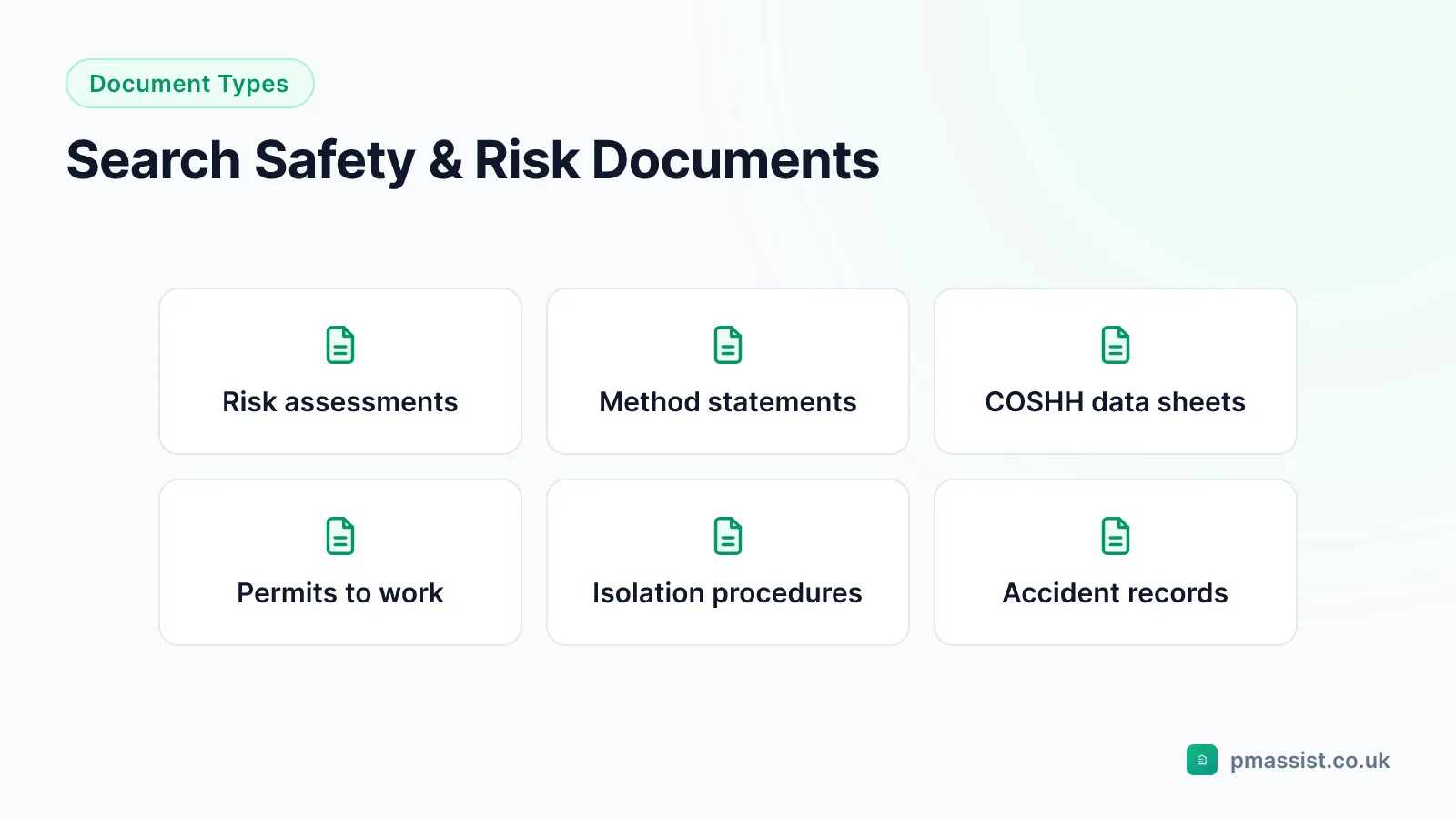
The documents that stand between planning and permit
Safe systems of work depend on information reaching the person doing the job: what the risk assessments found, how the task should be done, and what hazards the building itself carries. Each lives in a different document produced by a different party — assessors, contractors, the original construction team — and each ages on a different cycle.
The failure mode is rarely a missing document. It is a permit authoriser who cannot quickly lay hands on the current version, a contractor working from last year's method statement, or a residual risk recorded in a file nobody has opened since handover. Making these documents searchable is not an administrative convenience — it is what makes the checks actually happen.
Risk assessments: findings, ratings and actions
Commercial buildings typically hold a fire risk assessment under the Regulatory Reform (Fire Safety) Order 2005, a legionella risk assessment under ACoP L8, asbestos surveys under the Control of Asbestos Regulations 2012, and general workplace assessments — plus DSEAR, structural or environmental assessments where the building demands them. Each contains findings, risk ratings and recommended actions, and each accumulates versions as it is reviewed.
Searchable assessments mean questions like "what did the fire risk assessment recommend for the basement?" or "what is the risk rating for the cold water storage tanks?" get cited answers from the current version — during management reviews, tenant briefings and remedial works planning — without re-reading whole reports.
Method statements and RAMS
Method statements and RAMS define how specific tasks are done safely — work at height, hot works, confined space entry, electrical isolation, work on pressurised systems. They arrive from contractors through the permit process and accumulate into a library of established procedures for the building.
That library earns its keep twice. Day to day, it answers "what is the safe procedure for working on the cooling towers?" or "what PPE is required in the basement tank room?". When a new contractor submits RAMS, it lets you compare their proposed approach against the procedures already proven on your site — and against the O&M manual's isolation procedures and equipment specifications, which PM Assist searches in the same query.
The CDM health and safety file
Under the Construction (Design and Management) Regulations 2015, every construction project must hand over a health and safety file: the record of design decisions, materials and residual risks relevant to anyone maintaining, altering or demolishing the building later. Typical contents include hidden services and structural details, hazardous materials used in construction, fragile surfaces, pre- or post-tensioned elements, and safety-critical maintenance requirements.
It is also the least-read important document in most buildings. Searchability changes how it gets used: before roof work, search the file for "fragile surfaces"; before structural alterations, for "post-tensioned"; before breaking into risers, for hidden services in that area. The regulations also require the file to be kept current — a searchable file makes it far easier to see what needs updating after new works.
A search-first pre-work routine
Where safety documents are searchable, the pre-work checks become a repeatable routine a permit authoriser can run in minutes, in the same order every time:
- Check the asbestos register for recorded ACMs in the work area
- Pull the risk assessment findings and ratings for the area or system
- Review the task RAMS against the O&M manual's isolation procedures
- Search the H&S file for residual risks recorded for that part of the building
- Issue the permit with the evidence trail already assembled
Tracking actions and keeping files current
Risk assessments and audits generate actions that must be tracked to closure, and the evidence trail runs from the recommendation in the source document to the completed work. Searchable documents give every action a clear line back to where it came from — which is precisely what auditors and enforcing officers ask to see.
The same applies in reverse: after modifications, the H&S file and affected assessments need updating. Being able to query the current content quickly makes the review-and-update cycle a manageable task instead of a periodic archaeology project.
Inspection checklists for this
Compliance & CAFM
Compliance, maintenance and documents in one place
PM Assist is building compliance software with the O&M manuals built in: every paid plan includes the compliance register, planned maintenance and mobile inspections.
- The compliance register is set up from each building's property type, with gaps shown for duties that have no record.
- Planned maintenance is generated from the asset register, with the tasks and frequencies already written.
- AI reads your certificates and proposes the dates and remedial actions; a person checks them against the source document before they count.
Sources
The regulatory positions on this page come from the following primary sources. Where guidance and legislation differ, the legislation governs — always confirm the requirements that apply to your own site and jurisdiction.
- PUWER: using work equipment safely — Health and Safety Executive
- COSHH: control of substances hazardous to health — Health and Safety Executive
Frequently asked questions
Can PM Assist search RAMS documents?
How does this help the permit-to-work process?
What is the CDM health and safety file?
Can I search across multiple versions of a risk assessment?
Can safety documents be searched alongside O&M manuals?
Run Every Pre-Work Check in Minutes
Upload your risk assessments, RAMS and H&S file — and give every permit and every job a searchable safety evidence trail.
- Upload and organise building documentation
- AI-powered search across all your manuals
- Source-cited answers for every query
- Team collaboration and access control
- No credit card required to start