Find Asset Information Across Building Documents
Asset information is distributed across O&M manuals, asset registers, commissioning records, and drawing schedules. PM Assist searches all of these simultaneously, so you can find any piece of asset data without knowing which document it is stored in.
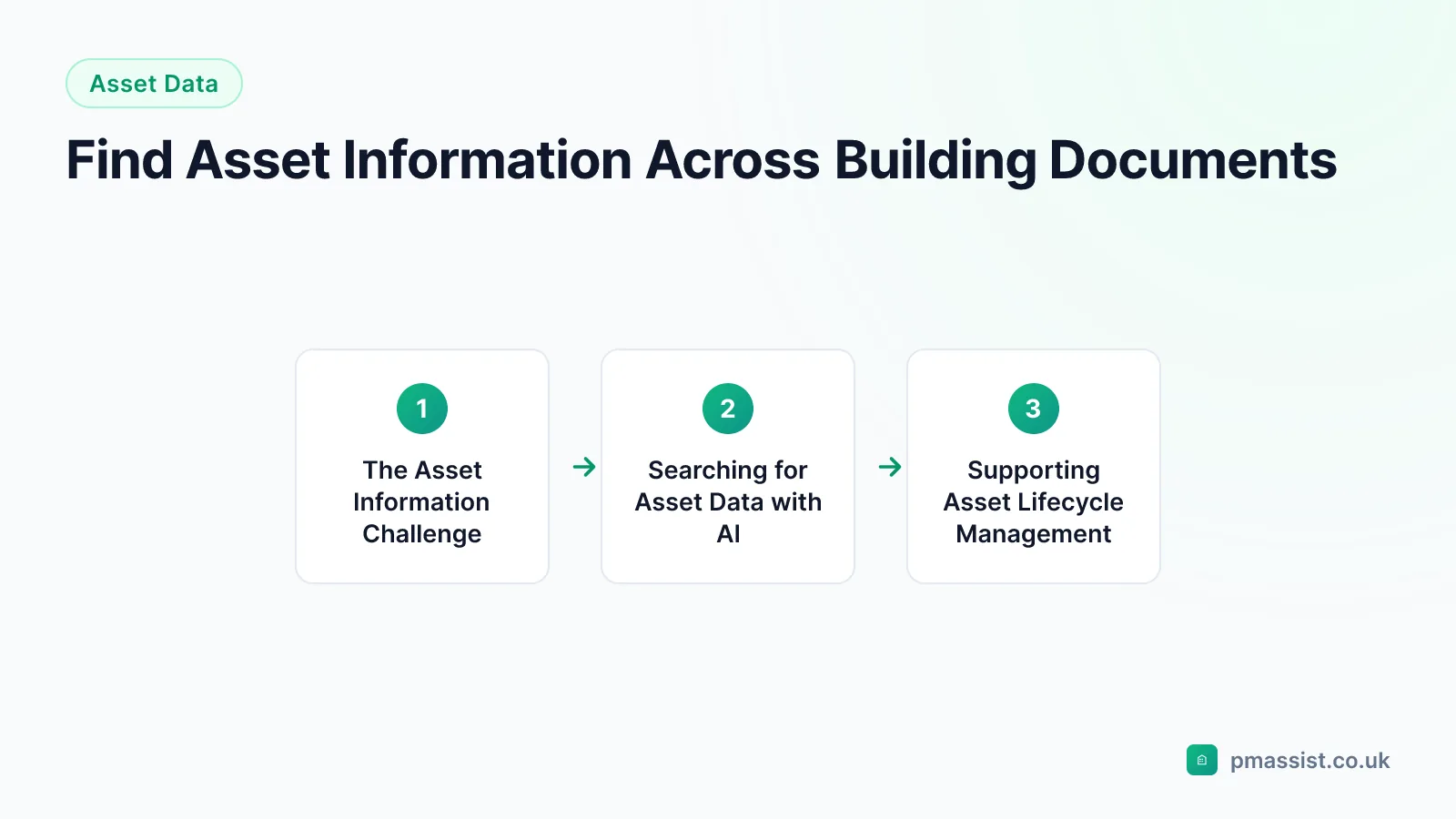
The Asset Information Challenge
Maintaining accurate asset information is fundamental to effective facilities management. Asset data includes equipment model numbers, serial numbers, installation dates, expected life spans, maintenance requirements, and location details. This information is needed for maintenance planning, lifecycle costing, condition surveys, and compliance reporting.
The challenge is that asset information is rarely held in a single place. Some details appear in the O&M manuals, others in the drawing schedules, and still others in the asset register (if one exists). When FM teams need to verify or update asset data, they often have to cross-reference multiple sources.
Searching for Asset Data with AI
PM Assist allows you to search across all your building documentation for asset-related information. Whether you need a serial number from an O&M manual, an installation date from a commissioning certificate, or a location reference from a drawing schedule, PM Assist can find it with a natural language query.
This is particularly useful when populating or auditing an asset register, where you need to verify details for large numbers of equipment items. Instead of opening individual documents for each asset, you can query PM Assist and get source-cited answers from across the documentation set.
- Search for equipment model numbers and serial numbers
- Find installation dates and commissioning information
- Locate equipment in drawing schedules
- Cross-reference asset data across multiple document types
Supporting Asset Lifecycle Management
Effective asset lifecycle management depends on having access to accurate, up-to-date asset information. PM Assist supports this by making the underlying source documentation — O&M manuals, commissioning records, and drawing schedules — instantly searchable.
When decisions need to be made about equipment replacement, refurbishment, or modification, the ability to quickly find manufacturer specifications, installation details, and historical performance data from the building documentation enables more informed decision-making.
Related guides
Find Equipment Specifications Across Building Documents
Workflows & Solutions
Alternative to Spreadsheets for Building Asset Information
Comparisons & Alternatives
Create a Single Source of Truth for Building Information
Operations & Compliance
Search Building System & Maintenance Records with AI
Document Types
Free tools for this
Related pages
Frequently asked questions
Can PM Assist replace an asset management system?
Can I find serial numbers and model numbers with PM Assist?
How does this help with asset register audits?
Find Asset Information in Seconds
Upload your building documentation and search for asset data with AI. Source-cited answers from across all your documents.
- Upload and organise building documentation
- AI-powered search across all your manuals
- Source-cited answers for every query
- Team collaboration and access control
- No credit card required to start