Search Drawings & Technical Documents with AI
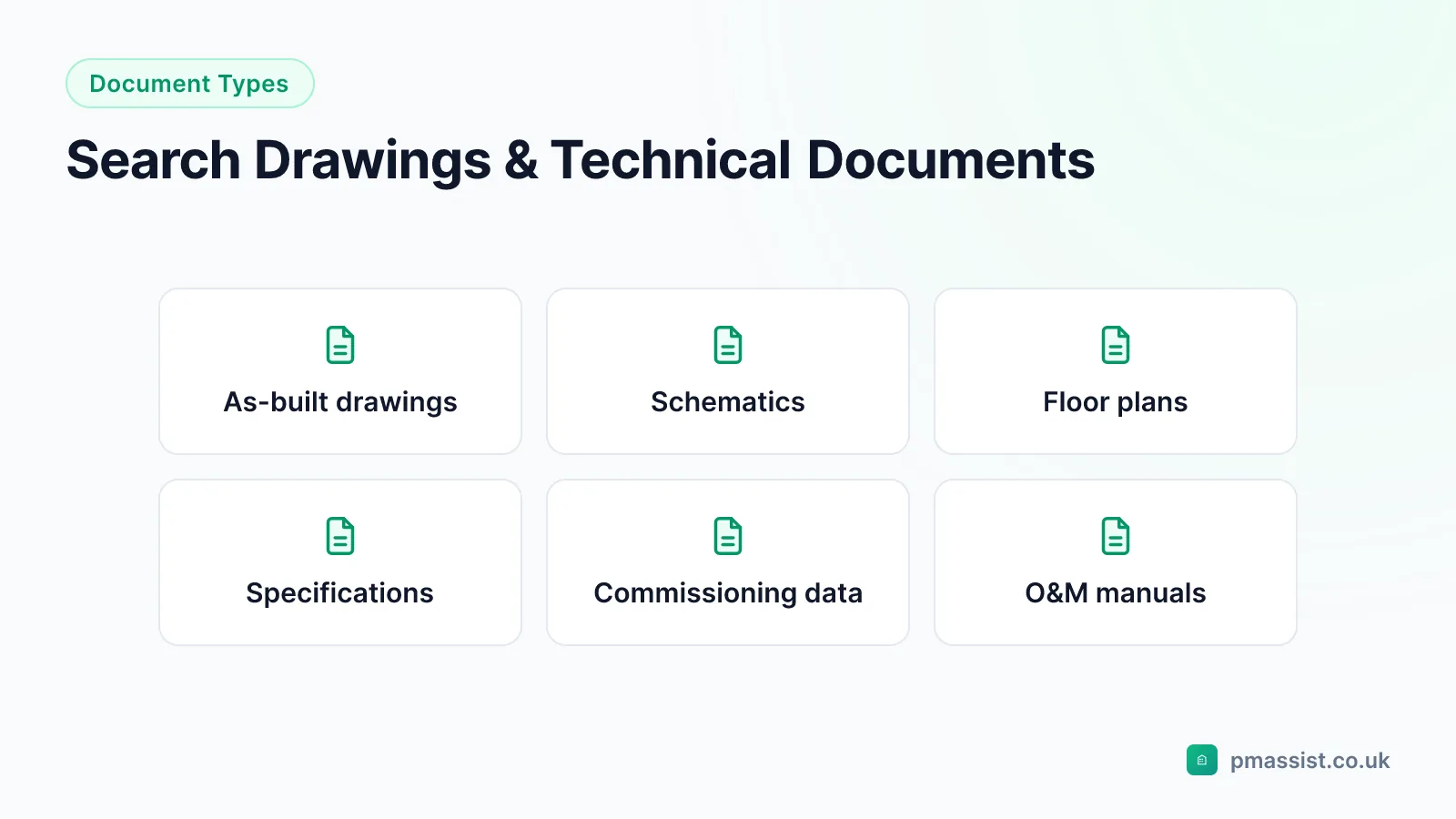
A typical commercial building hands over hundreds of M&E drawings — floor plans, schematics, single-line diagrams and schedules, organised by discipline and drawing number. The details engineers actually need day to day are text: tag numbers, board schedules, notes and title blocks. PM Assist indexes that text across the whole set, so drawing information is found by asking, not by knowing the numbering system.
Why drawing sets defeat folder search
Drawing sets are organised for issue control, not retrieval: by engineering discipline, then by drawing number. Finding which distribution board serves an area, or where a specific valve sits, requires knowing the numbering convention and the patience to open sheet after sheet. That knowledge usually lives with whoever managed the handover — and leaves when they do.
The as-installed (as-built) set adds a second trap: it is the definitive record of what was actually built, recording modifications made during construction, final equipment locations and the actual routing of services — as opposed to the design drawings, which show intent. Working from the wrong set means planning modifications against an installation that does not exist. Being able to search the as-installed set directly keeps the authoritative record in daily use rather than filed and forgotten.
What is actually searchable on a drawing
PM Assist searches the text content of drawing PDFs. It does not interpret graphical symbols, line work or dimensions — no AI document tool reliably does — but on M&E drawings the text layer is where most day-to-day value sits:
Equipment schedules and specification tables. Distribution board and circuit schedules. Valve and damper schedules. Drawing notes, legends and key information. Title blocks and revision histories.
Drawings in CAD formats (DWG, DXF) need exporting to PDF first — most CAD software preserves the text content when it does — and scanned drawing sheets are OCR-processed so their legible text is searchable too.
- Equipment schedules and specification tables
- Distribution board, valve and damper schedules
- Drawing notes, legends and revision histories
- Title block data across every sheet in the set
Working by tag number and reference
The fastest way into a drawing set is a reference you already have: an equipment tag, a circuit number, a room number. Searching for "DB-L3-01" finds every sheet that references that distribution board — the single-line diagram, the floor plan, the board schedule — in one query. The same applies to valve tags, damper references, cable references and plant item numbers.
This matters most mid-task: an engineer standing at a board with a tripped circuit, or tracing a service through a riser, needs the relevant sheets now, not after a session with the drawing register.
Schematics, wiring diagrams and P&IDs
Schematics, single-line diagrams, wiring diagrams and piping and instrumentation diagrams carry the system-configuration detail that floor plans cannot: how systems connect, what controls what, and how power and fluids actually flow. Their text annotations — component labels, connection details, legend entries — are dense and, across a large set, effectively unsearchable by hand.
Indexed, they answer questions directly: which sheets reference a given circuit, where a component tag appears, what the legend defines a symbol code to mean. For fault diagnosis this is often the difference between confirming a configuration in minutes and reverse-engineering it over an afternoon.
One query across drawings, O&M manuals and commissioning data
Drawings answer "what is installed and where"; O&M manuals answer "what is it and how is it maintained"; commissioning records answer "how did it perform when set to work". Real tasks — diagnosing a fault, planning a modification, scoping a replacement — need all three.
Because PM Assist searches every uploaded document simultaneously, a single question returns the installed arrangement from the as-built drawings, the specification from the O&M manual and the measured performance from the commissioning sheet, each with its source cited. That cross-document view is what folder-based storage structurally cannot provide.
Frequently asked questions
Can PM Assist interpret the graphical content of drawings?
What drawing formats are supported?
Can I search for cable and circuit references?
Can I search drawings and O&M manuals together?
Do scanned legacy drawings work?
Search Your Drawing Sets with AI
Upload as-installed drawings, schematics and schedules — and find any tag, circuit or note across the whole set in seconds.
- Upload and organise building documentation
- AI-powered search across all your manuals
- Source-cited answers for every query
- Team collaboration and access control
- No credit card required to start