Find Equipment Specifications Across Building Documents
Equipment specifications are scattered across O&M manuals, data sheets, commissioning records, and as-built drawings. PM Assist searches all of these simultaneously, so you can find the spec you need without knowing which document it is in.
Why Equipment Specifications Are Hard to Find
A single piece of building equipment might have its specifications documented in several places: the O&M manual from the manufacturer, the contractor's technical submittal, the commissioning certificate, and the as-built drawing schedules. Each source may contain different details, and the information you need at any given moment could be in any of them.
For example, the rated capacity of a chiller might appear in the O&M manual, the commissioning flow rates in the commissioning report, and the model number on the as-built mechanical schedule. Finding all of this information typically requires checking multiple documents, which is time-consuming when you are responding to an equipment fault or specifying a replacement part.
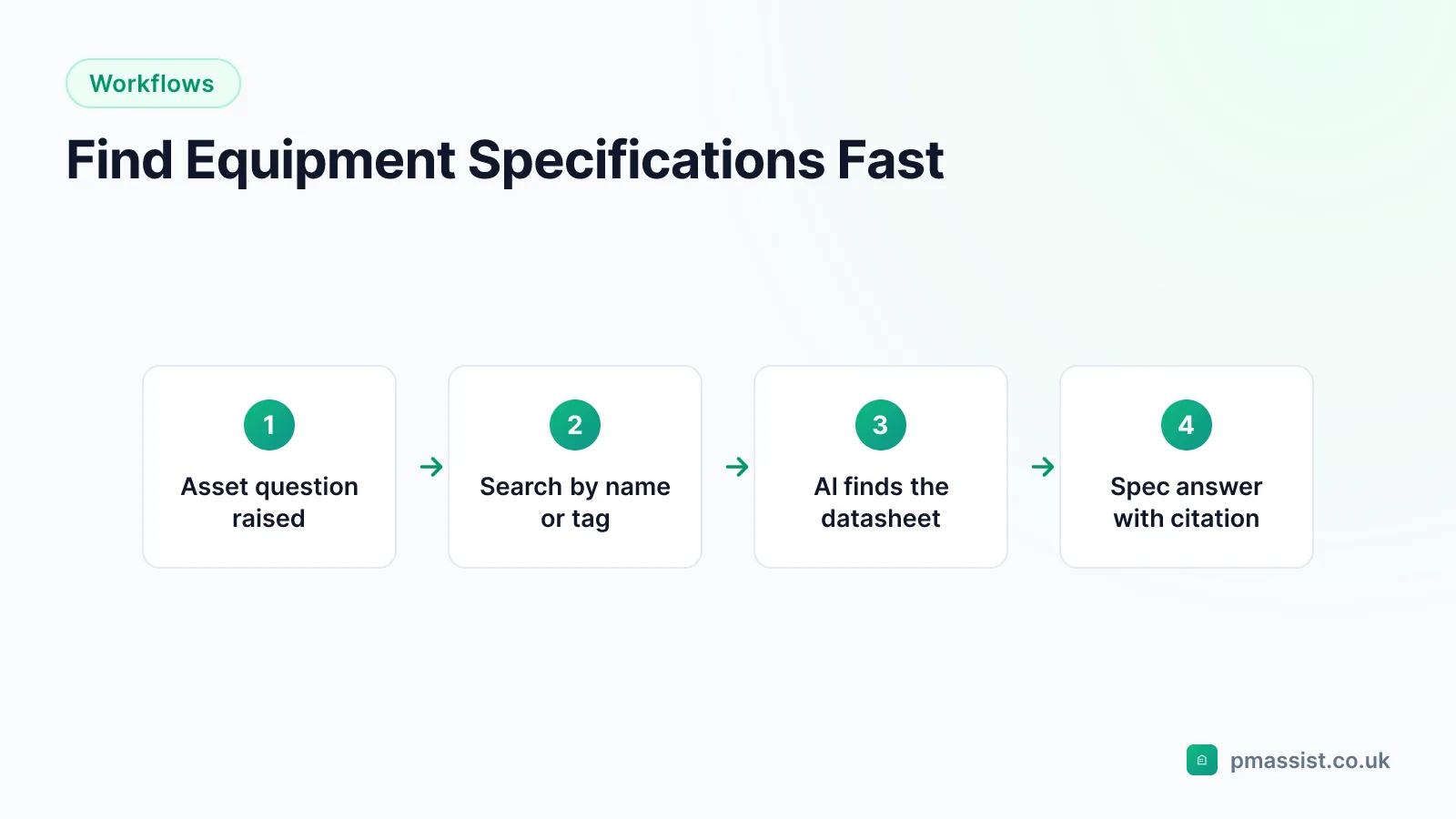
Search for Equipment Specs in Plain English
With PM Assist, you can ask questions like "What is the cooling capacity of chiller CH-1?" or "What model is the AHU on Level 4?" and get answers drawn from across all your uploaded documentation. The AI understands equipment naming conventions and technical terminology, so it can match your query to relevant specifications even when documents use different naming formats.
This is particularly useful when dealing with legacy equipment where the nameplate is no longer readable, or when you need to quickly verify a specification during a contractor call-out.
- Search across O&M manuals, submittals, and commissioning data
- Find model numbers, capacities, and performance parameters
- Get answers with source citations to the original documents
- Understand which documents contain which specification details
Common Equipment Specification Queries
FM teams regularly need to find equipment specifications for a variety of operational reasons: specifying replacement parts, briefing contractors before site visits, verifying system compatibility for modifications, and responding to tenant queries about building system performance.
PM Assist handles all of these scenarios by searching across the full documentation set for each building. Whether you need a pump duty point, a fan motor rating, a valve Kvs value, or a transformer capacity, the answer is usually somewhere in your building documentation and PM Assist will find it.
Frequently asked questions
Can PM Assist find equipment model numbers?
What if equipment uses different names in different documents?
Can I search for equipment across multiple buildings?
Find Any Equipment Specification Instantly
Upload your building documents and search for equipment specs with AI. Source-cited answers in seconds.
- Upload and organise building documentation
- AI-powered search across all your manuals
- Source-cited answers for every query
- Team collaboration and access control
- No credit card required to start